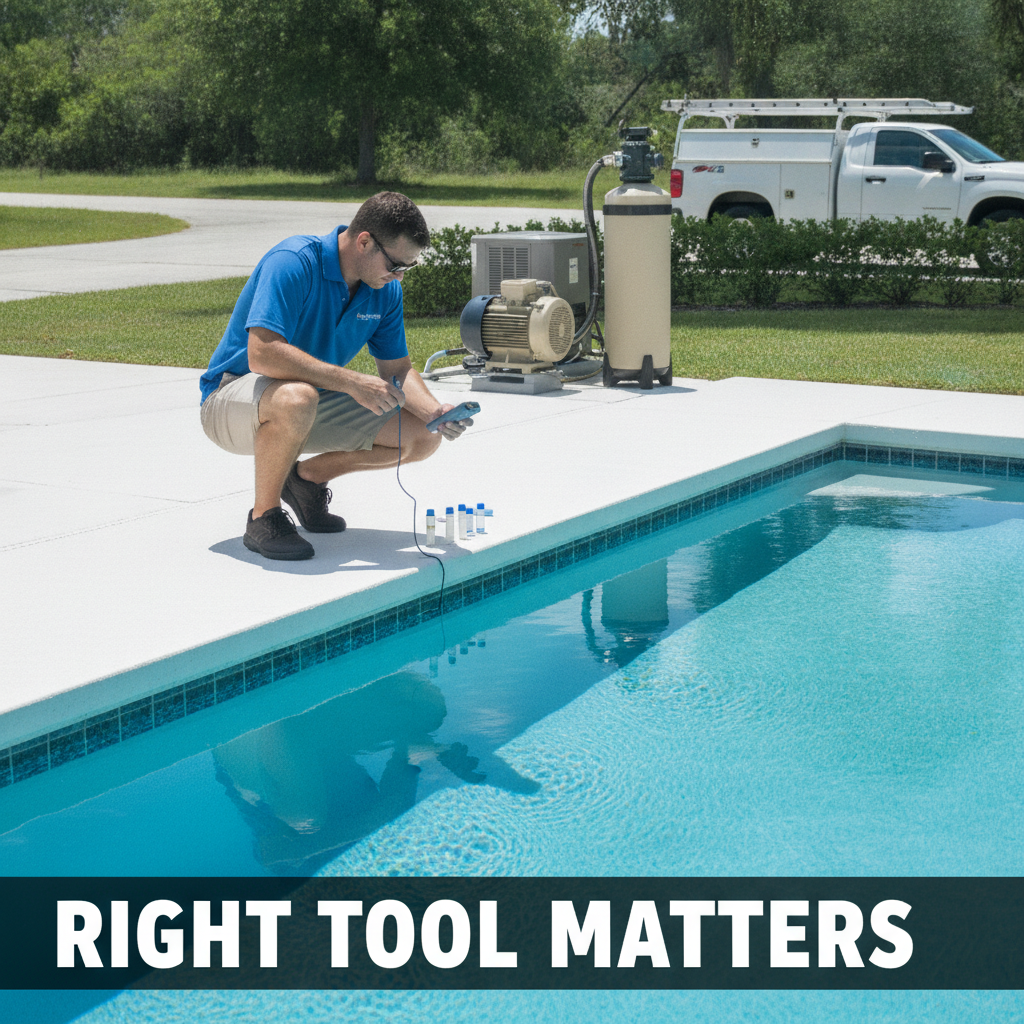
The problem with most software comparisons
Most "best pool service software small business" roundups are written by people who have never dragged a 50-pound backwash hose across a patio in August. They list features. They show screenshots. They do not tell you that the software built for a 15-truck operation will cost you $300 a month and take two full days to set up before you see a single work order.
This is a different kind of comparison. It is written by someone who runs a 100-pool route, invoices every Monday morning, and does not have an office manager to handle the admin. The goal is to help you figure out which tool fits your actual situation, not the situation a sales rep wants you to imagine.
What a one-truck operator actually does all day
Take a realistic service stop. You drive 11 minutes, spend 17 minutes on site, use $4.80 in chlorine tabs, check the salt cell, note that the Pentair pump is making a noise the customer needs to hear about, and move on. You do that 20 or 25 times a day. At the end of the week you need to bill those 100 or so customers, track what chemicals you used, and maybe schedule a repair job.
That is not complicated. But the software you pick has to handle exactly that workflow without getting in the way. If logging a service visit takes four minutes instead of 90 seconds, you will stop using it. Solo operators do not have tolerance for friction. They have routes to run.
ServiceTitan: built for a different business than yours
ServiceTitan is genuinely excellent software. It handles dispatching, customer history, technician tracking, invoicing, and a lot more. If you are running six trucks across two counties and need a dispatcher coordinating jobs in real time, it earns its cost.
For a one-truck operator it is almost certainly the wrong tool. Pricing is not published, but implementation fees alone are commonly reported in the thousands of dollars. There is an onboarding process that assumes you have someone dedicated to learning the system. The feature set is deep and the learning curve matches. None of that is a criticism. It is just built for a different scale.
Skimmer: a solid choice for small pool companies
Skimmer was built specifically for pool service businesses. It handles recurring routes, chemical logging, customer communication, and basic invoicing. The mobile app is straightforward enough that you can log a visit in under two minutes once you know the flow. Setup takes hours, not days.
Where it gets complicated is pricing as you scale, and some operators find that the invoicing side requires QuickBooks to do what they actually need. It is worth trialing. If you run a clean, stable route and need something that works without a lot of configuration, it is a reasonable fit.
Jobber: good for repair-heavy businesses
Jobber is not pool-specific, but it handles field service well. Quoting, scheduling, invoicing, and client communication are all solid. If your revenue is more repair and equipment installs than recurring maintenance, Jobber's quoting and job workflow might suit you better than a pool-specific tool.
The trade-off is that it does not think in terms of route stops and chemical dosing the way pool-specific software does. Logging weekly service visits for 80 customers is workable but not as fast as a tool designed around that exact use case. For a mixed maintenance-and-repair business, it is worth a look.
Poolbrain: route-first design
Poolbrain puts route optimization and chemical logging at the center. The map-based route view is useful if your stops are spread out and drive time adds up. Chemical tracking is more granular than most competitors, which matters if you are trying to understand your actual cost per pool.
It is less widely used than Skimmer or Jobber, which means the community of other operators using it and sharing tips is smaller. The support experience varies. Worth evaluating if chemical tracking and route sequencing are your biggest pain points.
What to actually look for
Before you trial anything, be clear on what you need. Most one-truck operators need four things: fast mobile logging of service visits, recurring invoicing that runs without babysitting, basic chemical tracking, and customer notes that travel with you. Everything else is optional.
- How long does it take to log a completed service visit on the mobile app? Time it. Anything over 90 seconds will break your habit.
- Can you set up recurring invoices that go out automatically? If you are manually sending 80 invoices every Monday, you are losing an hour you do not have.
- Does it track chemical cost per stop, or just that chemicals were used? There is a difference.
- What does it cost when you hit 60 pools? 100 pools? Some pricing structures jump hard at certain thresholds.
- Is there a free trial with real data, not a demo environment?
The thing most operators skip
Most operators pick software once, hate the migration process, and stay on it forever even when it no longer fits. Switching is painful. So trial carefully before you commit. Run a real week on the trial, not a Saturday afternoon clicking through demos. Log actual visits. Invoice a real customer. See where it breaks.
Also talk to other operators who run a similar size route. Not the ones with five trucks. The ones who service 80 to 120 pools alone or with one part-time tech. Their experience is closer to yours than anything a sales rep will tell you.
One more thing worth saying
The best pool service software for a small business is the one you will actually use every day. A $15 per month app you open on every stop beats a $200 per month platform you stopped logging into in March. Fit matters more than features.
If you want to see how a tool built by a working pool operator handles a small route, getLucci is free for your first 50 pools. No credit card to start. Worth seeing how it fits before you commit to anything.