The Stop That Changes Your Mind
You service a pool on a Tuesday. Thursday the customer calls saying you never showed up. You know you were there. You added a pound and a half of stabilizer, backwashed the filter, brushed the walls. But you have nothing to show for it. So you go back. That is another 11 minutes of drive time and 17 minutes on site for a $110 account. You just ate roughly $40 in labor and fuel on a pool that was already serviced.
That is the stop that turns most operators into believers in pool service photos proof of service. Not a software pitch. Not a blog post. A customer who swears you were not there when you absolutely were.
What a Photo Actually Defends You Against
Disputes fall into a few categories. "You didn't come." "You came but you didn't do anything." "Something broke after you left and it must have been you." And the increasingly common: "My water looked fine before you serviced it."
A timestamped photo with GPS coordinates attached does not guarantee you win every argument, but it changes the conversation immediately. Most customers back down the moment you say you can pull up the photo from Tuesday at 9:14 a.m. showing the filter pressure at 18 PSI before you backwashed it and 10 PSI after. The ones who do not back down have usually already decided to cancel, and the photo protects you from a chargeback or a bad review that misrepresents what happened.
Chargebacks are the worst version of this. A customer disputes a charge through their credit card company. Without documentation, you are fighting with words. With a timestamped photo log, you have a paper trail. Payment processors and small claims courts respond to documentation. They do not care about your memory of what happened.
Which Photos Are Worth Taking
Four photos per stop covers almost everything useful. Taking twenty covers nothing because nobody looks at them.
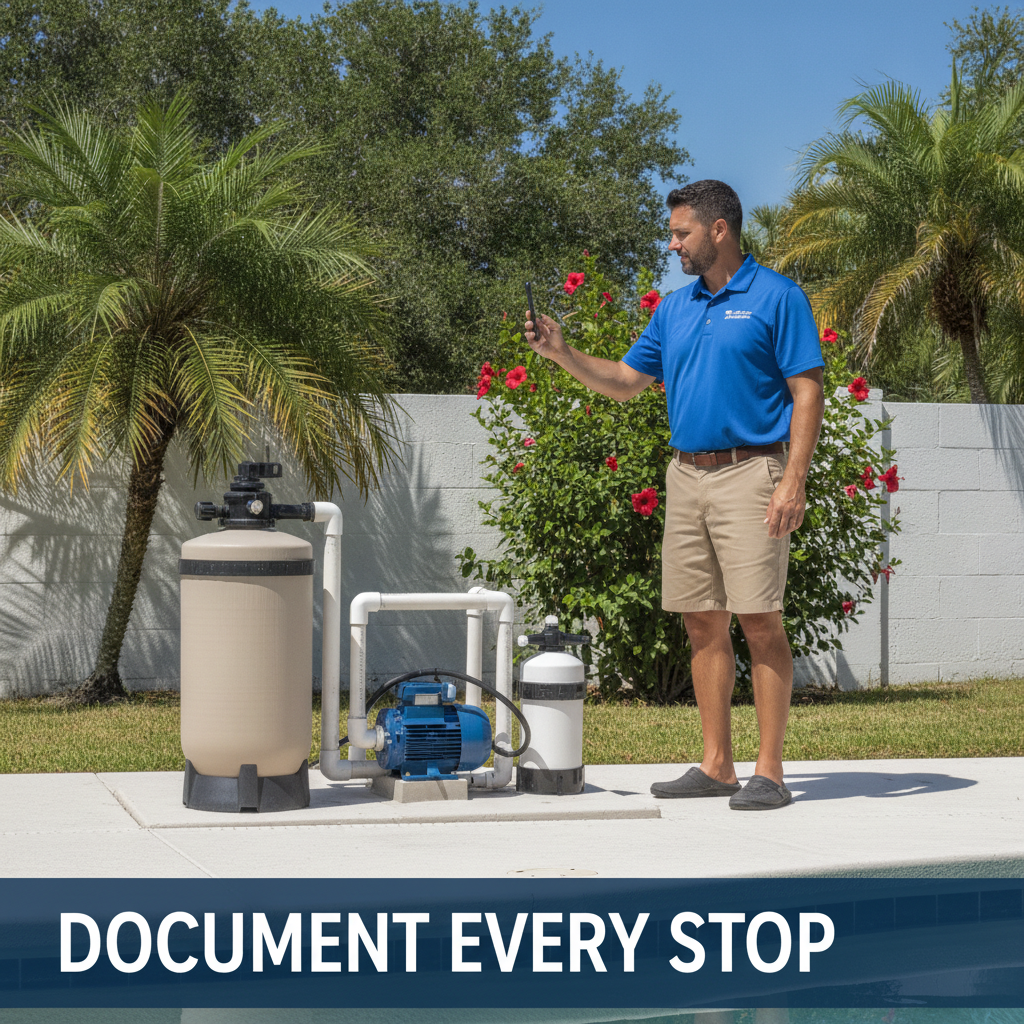
- Equipment pad on arrival. One wide shot showing the equipment running. This proves you were there, shows the system state when you arrived, and documents anything that was already wrong before you touched it.
- Filter pressure gauge. Before and after if you backwash or bump. This one photo has ended more disputes than anything else. It shows you actually serviced the filter and it shows what the pressure was doing.
- Anything broken or abnormal. Cracked lid, corroded union, salt cell with scale buildup, a return fitting that is spinning loose. Photo it, note it, send it to the customer. This is also your upsell documentation. You are not trying to sell them something they do not need. You found a problem and you have a picture of it.
- Water test result if your app shows it. Or a shot of your test strips or reader with the pool in frame. Useful for liability if someone claims the water was imbalanced after your visit.
That is it. Skip photos of the gate latch, the patio furniture, the dog, the pressure cleaner the customer owns. That is noise. It fills storage and wastes time flipping through irrelevant images when you actually need to find something.
The Upsell Case Is Real and Underused
Most small operators are decent at identifying repair needs in person and bad at following up. You see a weeping multiport valve, you mean to call the customer, then you service four more pools and forget. The customer never hears about it. The valve fails three months later and now it is an emergency job instead of a scheduled one.
A photo attached to a note in the job record solves the follow-up problem. You flag it, it stays visible until someone acts on it. That weeping multiport valve is probably a $180 to $240 repair. If you service 80 accounts, you are likely sitting on two or three of those at any given time. That is not a small number to leave on the table.
The photo also makes the conversation easier. Telling a customer their multiport valve is weeping is abstract. Sending them a photo of it is concrete. Most customers approve the repair faster when they can see what you are describing.
Tech Accountability If You Run Other People
If you have one or two techs running stops, photos do something else entirely. They close the loop on whether the work actually happened and whether it was done right. Not because your techs are dishonest. Because people cut corners when they are tired and behind schedule, and a photo requirement is a lightweight check that prevents most of it without you having to ride along.
A tech who knows the filter pressure gets photographed before and after is going to backwash the filter before and after. A tech who knows the equipment pad gets photographed on arrival is going to walk up to the equipment pad. This is not surveillance. It is just accountability, and it works the same way knowing a supervisor might swing by works. Most people do better work when there is a record.
The harder truth is that if you have a tech doing 30 stops a day and one customer calls to say the tech never showed up, you need something other than asking the tech about it.
The Time Cost Is Real but Small
Four photos per stop takes about 40 to 50 seconds if you are not overthinking it. On a 25-stop day that is roughly 20 minutes. That is a real cost. If you are already tight on time, it will feel like a lot the first week.
It gets faster. After two weeks it is automatic, like testing the water. And 20 minutes of photo documentation has stopped more than one $200 or $300 dispute from going sideways. The math works.
The other thing worth saying: you do not need special hardware. Your phone camera is fine. What matters is that the timestamp and location are attached and the photos are stored somewhere you can actually find them six months later when a customer raises a dispute about a service visit from July.
Putting It Together
Start with the four photos above. Build the habit before you worry about systems. Once you know which photos actually matter, organize around them.
If you want a route management tool that stores photos against each job and keeps them searchable, getLucci is built for exactly this kind of operation and is free for your first 50 pools. But the photo habit is worth building regardless of what you use to store them. A folder in Google Photos organized by customer name beats no photos at all.