The Route That Lives in Your Head
You know every stop cold. You know that the Hendersons have a retriever that gets out if you don't latch the side gate. You know the Martins' Pentair runs a little salty so you back off the SWG output in July. You know the backwash valve on the DE filter at the rental on Cypress has a slow drip, and you leave it open a half-turn after you're done so it reseats properly.
None of that is written down anywhere.
That's fine when you're running the route yourself. The problem shows up the first time you need a day off, you land a second truck, or you get hurt and someone else has to cover. Suddenly all that knowledge has to come out of your head and into theirs in real time, over the phone, while they're standing in a stranger's backyard with a confused look on their face.
Good pool route documentation for techs isn't about bureaucracy. It's about not being on call every time someone else touches your route.
What a Usable Stop Record Actually Contains
Most service software gives you a notes field. Most people leave it empty. Here's what actually needs to be in there before you hand a stop to someone else.
- Access details. Gate code, which gate, whether the door sticks, where the equipment pad is relative to the entry. "Code is 4492, side gate off the driveway, pad is around the left of the house" takes ten seconds to type and saves a five-minute fumble on a new tech's first visit.
- Dog and animal warnings. Not optional. Write the breed, whether it's friendly or not, and what to do. "Black lab, friendly but knocks people over. Owner says just push him away." Or, if it's not friendly, say that plainly. A tech finding out mid-visit is a liability problem.
- Equipment notes. Salt cell model, whether it's been running clean, filter type, any known quirks. The Cypress DE filter thing above is exactly the kind of note that prevents a callback or a broken valve.
- Dosing history. Not just the chemistry from the last visit. A short pattern. "This pool runs high CYA, usually sits around 90, we manage it with minimal trichlor and liquid only." A new tech without that context will reach for a puck and wonder why nothing moves.
- Customer notes. Do they come out and talk. Do they check behind you. Do they have specific requests, like no chemicals added on Fridays because they swim Saturday mornings.
Photos Do More Work Than Words
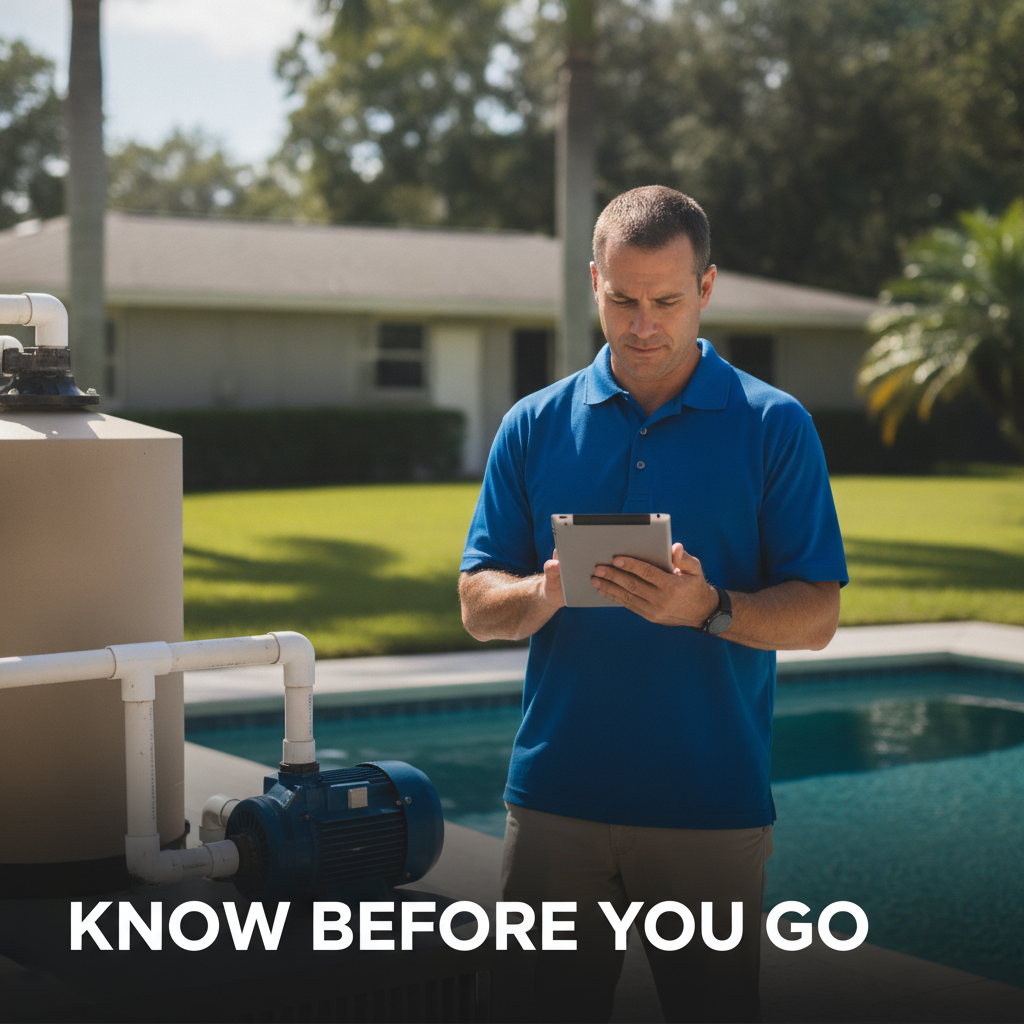
A paragraph describing an equipment pad is worse than one photo of it. Take a picture of the pad on your next visit. Take one of the gate latch if it's unusual. Take one of the timer settings if the owner is particular about run times.
This takes three minutes per stop, once. You don't redo it unless something changes. A new tech can look at the photo before they get out of the truck and know exactly what they're walking into.
If you use getLucci, you can attach photos directly to each stop so they're visible before the job starts. But any cloud folder with the stop's address as the file name works too. The format matters less than actually doing it.
A Worked Example
Take a $110 monthly account. You're on site 17 minutes, drive is 11 minutes, you're into it for maybe $4.80 in chlorine and a buck in tabs. That's a solid stop. Now imagine sending a new tech there cold, no notes. He spends four extra minutes finding the gate. He doesn't know about the dog. He adds trichlor because the CYA looks manageable to him, not knowing it's been creeping. The customer calls you that afternoon.
You just spent forty minutes of your own time on a $110 account because there were no notes. Write the notes once and that doesn't happen again.
What Has to Be Done Before You Can Take a Week Off
Be specific with yourself. You are not ready to hand the route to someone else until every stop has at minimum: access info, any animal warning, one photo of the equipment pad, and a dosing note for any pool that runs outside normal parameters.
That's the floor. It's not a lot. For a 50-pool route it's probably four or five hours of work total, spread across a couple of weeks of normal service visits. You're already at every stop. Add the notes while you're there.
The chemical history piece takes a little longer to build. If you're logging readings consistently, it's already there. If you're not, start now. Three months of logged readings gives a new tech enough of a pattern to manage most pools without calling you.
The Handoff Itself
Even with good documentation, the first time a tech runs your route they will call you. Expect it. Budget for it. What good documentation does is change what they're calling about. Instead of "I can't find the gate," it's "the salt cell is reading low flow and I already checked the basket." That's a call you can handle in 90 seconds. The other one takes longer and ends with you driving over there.
Pool route documentation for techs isn't a one-time project. It's a habit. When something changes at a stop, update the note. When a customer gets a dog, add the warning. When you replace a filter, update the equipment record. The maintenance cost is low once the foundation is there.
Start with Your Ten Hardest Stops
You know which ones they are. The stops with quirks, odd equipment, nervous customers, or gates that require a specific sequence. Document those first. If you can hand those ten to someone else without a phone call, you can hand the whole route.
If you want a simple place to keep all of this, getLucci is free for your first 50 pools and keeps stop notes, photos, and chemical history in one place your techs can pull up before they get out of the truck.