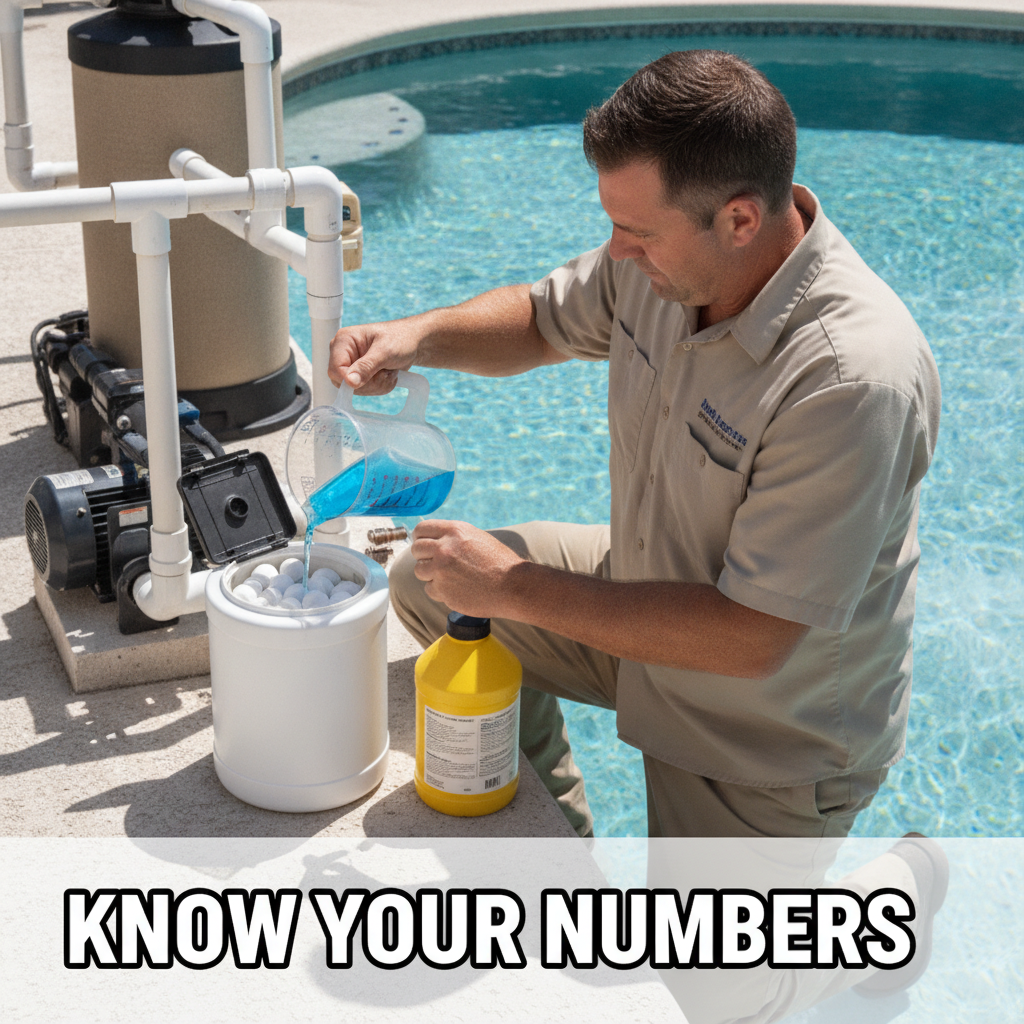
Why Most Operators Have No Idea What They Spend Per Pool
You buy a 50-pound bucket of trichlor, a case of muriatic acid, and some algaecide. You pay the supplier invoice. That money leaves your account and gets mentally filed under "chemicals." What you almost never do is figure out how much of that bucket went into which pool.
That matters more than most people realize. If you are charging $110 a month for a service that costs you $28 in chemicals, time, and drive, you are doing fine. If three pools on the same street are quietly eating $19 in chlorine each visit and you have no idea, you are losing money on those accounts and subsidizing them with the easy ones.
Tracking pool chemical cost per pool is not complicated. It does take a small amount of setup. Here is how to do it.
Step One: Build a Price List for Your Own Inventory
Start with what you actually buy. Not the retail price, your cost. Work it down to the unit you add to a pool.
A worked example. Say you buy a 50-pound bucket of 3-inch trichlor tablets for $98. That comes out to $1.96 per pound. You typically add 0.5 pounds per visit to an average residential pool. That is $0.98 per stop for chlorine tabs on that pool.
Do the same for every chemical you carry regularly. Muriatic acid by the fluid ounce or fraction of a gallon. Liquid chlorine by the quart. Algaecide by the ounce. Salt by the pound if you add it. Phosphate remover by the dose. DE by the pound.
Write it down. A simple spreadsheet works. A column for chemical name, a column for what you paid, a column for the unit you add in the field, a column for cost per unit. You update this when your supplier prices change, which right now means at least twice a year.
Step Two: Log What Actually Goes In at Each Stop
This is where it falls apart for most people. You know the price list in theory. But nobody is writing down "0.5 pounds tabs, 8 oz acid" at every service visit.
You need a system that makes logging fast. A paper service sheet with checkboxes for common additions works if your techs will actually use it. A mobile app where you tap quantities before you leave the equipment pad is better because the data goes somewhere useful.
The key habit is logging before you put the cap back on the bucket, not at the end of the day from memory.
Even rough data is better than nothing. If you are adding "about half a pound" most visits, log 0.5. You will catch the outliers fast enough.
Step Three: Calculate the Per-Visit Number
Once you have a price list and a visit log, the math is simple multiplication and addition.
Say one visit to a 15,000-gallon residential pool looks like this. Half a pound of trichlor at $1.96 per pound is $0.98. Eight fluid ounces of muriatic acid, where a gallon costs you $6.40, so 8 oz is $0.40. A quarter cup of algaecide at roughly $0.22 per dose. Total chemical cost for that visit: $1.60.
Now do it for a full month, four visits, and you might land around $6 to $8 in chemicals depending on the pool. That is a sane number for an easy residential account.
Then you look at the pool two doors down. Same size, same service frequency. But the chemical log shows you are putting in 1.5 pounds of trichlor per visit and a full quart of liquid chlorine on top of it. Monthly chemical cost is running $18 to $22. You are charging both pools the same rate.
What to Do About the Pool That Eats Chlorine
First, figure out why. High bather load, heavy sun exposure, no stabilizer, a leaking cell that is not actually generating, a persistent algae problem you are managing rather than fixing, or a customer who keeps adding their own chemicals between visits and throwing everything off. The answer changes what you do next.
If it is a fixable water chemistry issue, fix it and track whether consumption drops. Sometimes a single phosphate treatment or a stabilizer adjustment cuts your chlorine cost in half and the problem is solved.
If the pool is just genuinely a high-demand account, you have three real options. Charge more for it, because the service cost is higher. Propose a fix that changes the situation, like a larger salt cell or a UV system, and sell that as a solution. Or keep the account at the current rate and know exactly what you are accepting. That last one is a valid choice too, as long as it is a conscious decision and not ignorance.
What you cannot do is keep running the same rate on high-cost pools indefinitely without knowing which ones they are. You will raise prices across the board, lose your easy accounts to the cheaper competitor down the street, and keep every difficult one.
Turning Chemical Cost Into a Full Per-Visit Picture
Chemical cost per pool is one number. The full picture also includes your time on site and drive time. That $110 pool we mentioned earlier: 17 minutes on site, 11 minutes of drive, $4.80 in chemicals on that particular visit. If you pay yourself or your tech $28 an hour, the labor and drive for that stop is about $13.07. Add chemicals and you are at roughly $17.87 in real cost for that visit. Multiply by four visits a month and you have $71.50 in monthly cost against $110 in revenue. That is a margin worth protecting.
The pools that look the same on your invoice but cost twice as much to service are the ones worth finding.
A Practical Starting Point
You do not have to build a perfect system on day one. Start with your top five most expensive chemical purchases and build a unit cost for each. Log what you add for one week. Look at the spread. You will probably see one or two accounts that stand out immediately.
If you want a place to do this without building spreadsheets from scratch, getLucci lets you set up a chemical price list and log usage per visit from your phone. It is free for your first 50 pools. Worth a look if you want the tracking without the admin overhead: getLucci.